How to Apply for an iOS Application?
 Eligibility Based on Plan
- Core & Prime Plans: Eligible for the Common iOS Application (standard Edmingle branding).
- Power Plan & Above: Eligible for a Branded iOS Application with your own app name, icon, logo, and description.
Step-by-Step Application Process
Step 1: Fill Out the iOS Application Deployment Form

You will be required to provide the following details:
Full Name
Institute Name
Application Type (Select: New Application or Update Existing App)
Application Name
This will be the name visible on the App Store.
Brand Logo
Upload a high-resolution logo in PNG format.
App Description
Write a clear and engaging description highlighting your app's features and functionality.
Edmingle Website URL
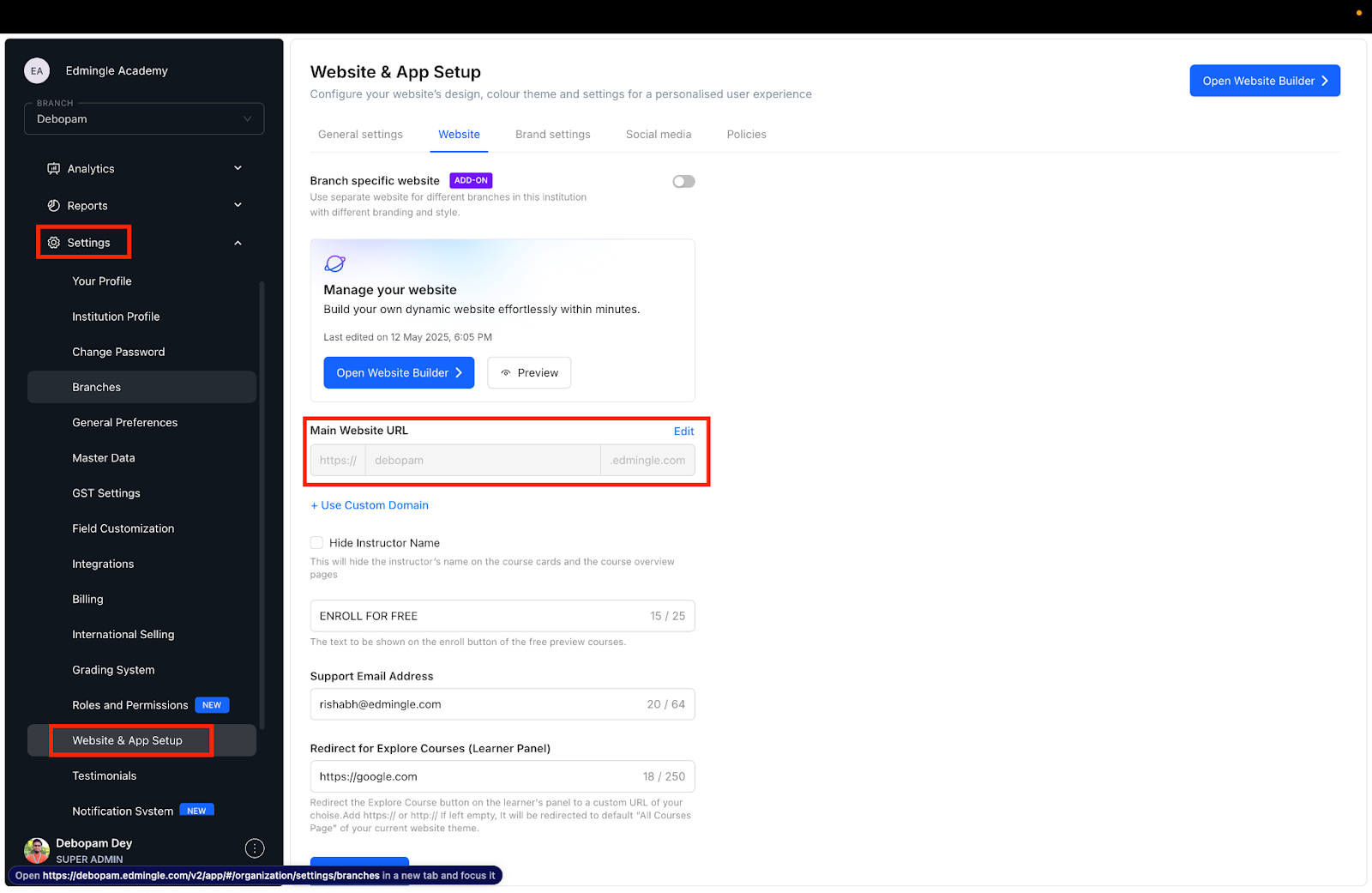
For example: youracademy.edmingle.com
Apple Developer Account Name
This is the registered developer name on your Apple Developer Console.
Step 2: Grant Access to the Edmingle Team
Once the form is submitted, you must provide Admin Access to your Apple Developer Account by inviting:
Follow the instructions here to invite a new user:
🔗 Apple Developer Program – Invite Admin Users
 Only Organizational Apple Developer Accounts Accepted
To proceed with branded iOS deployment, you must have an Apple Developer Account registered as an organization. Individual accounts are not accepted.
If you have an individual developer account, you must convert it to an organization account:
🔗 Convert to Organization Account – Apple Developer
Next Steps
Complete and submit the iOS Application Deployment Form.
Ensure all fields are accurate and the logo is uploaded.
Provide admin access to appstore@edmingle.com.
Wait for a confirmation from the Edmingle team regarding your app status.
 Estimated turnaround time is 3 weeks, starting only after all documents, app assets, and required access are fully submitted and verified.
Helpful Resources
How to Create an Apple Developer Account
You must enroll in the Apple Developer Program as an organization:
🔗 Apple Developer Program Enrollment
Fee: USD $99 per year
Requires a D-U-N-S Number to verify your business
How to Get a D-U-N-S Number
A D-U-N-S number is a unique identifier for your organization. Apple requires this for verification during Developer Program enrollment.